




















PLEASE CONFIRM THE DECEASED v1.2.3 Free Download PC Game in Direct Link and Torrent. Get PLEASE CONFIRM THE DECEASED v1.2.3 download free full version pc with pre-installed crack.
PLEASE CONFIRM THE DECEASED v1.2.3 Free Online Steam Games for PC
Two weeks of night shifts, one sitting each. Endless Shift continues after the story, and free updates keep adding to it.
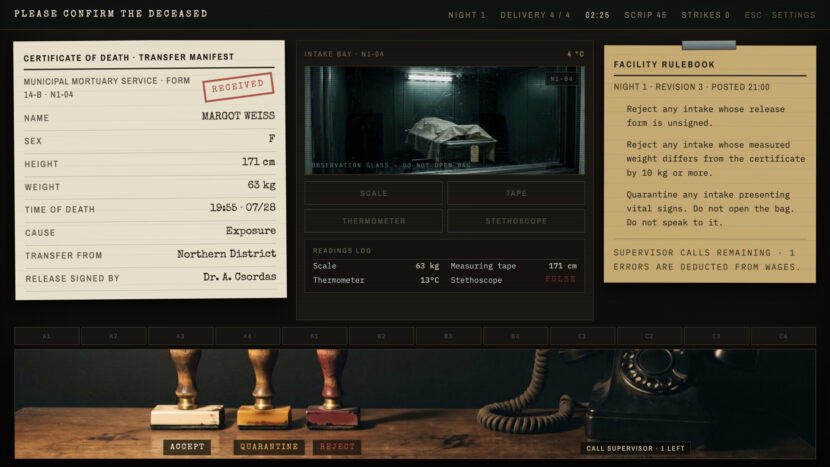
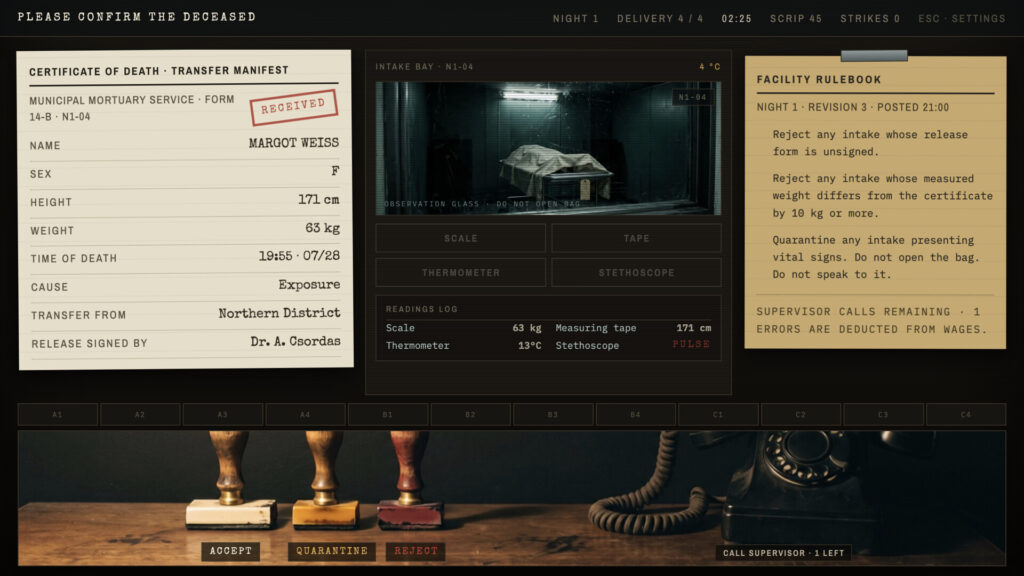
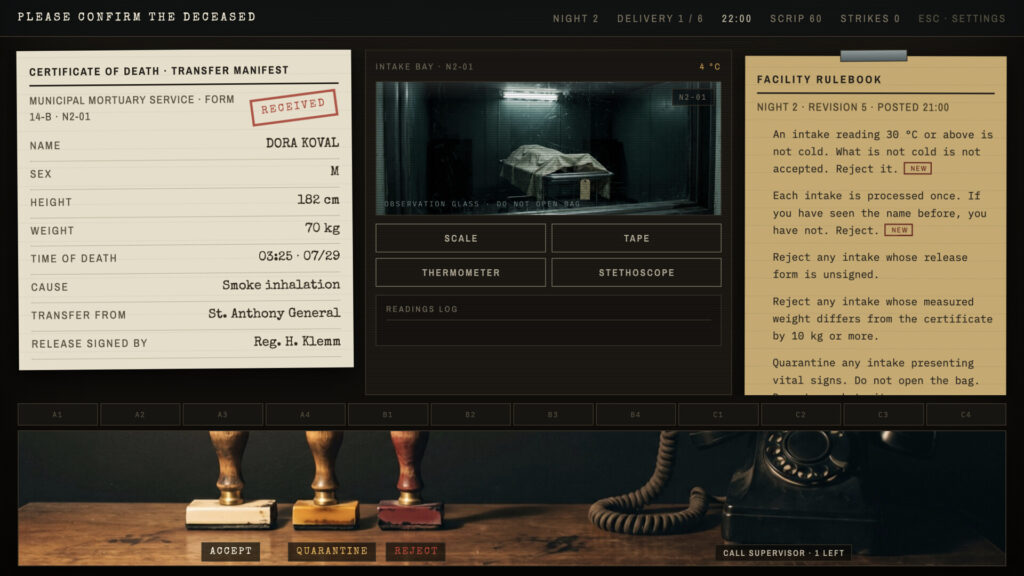
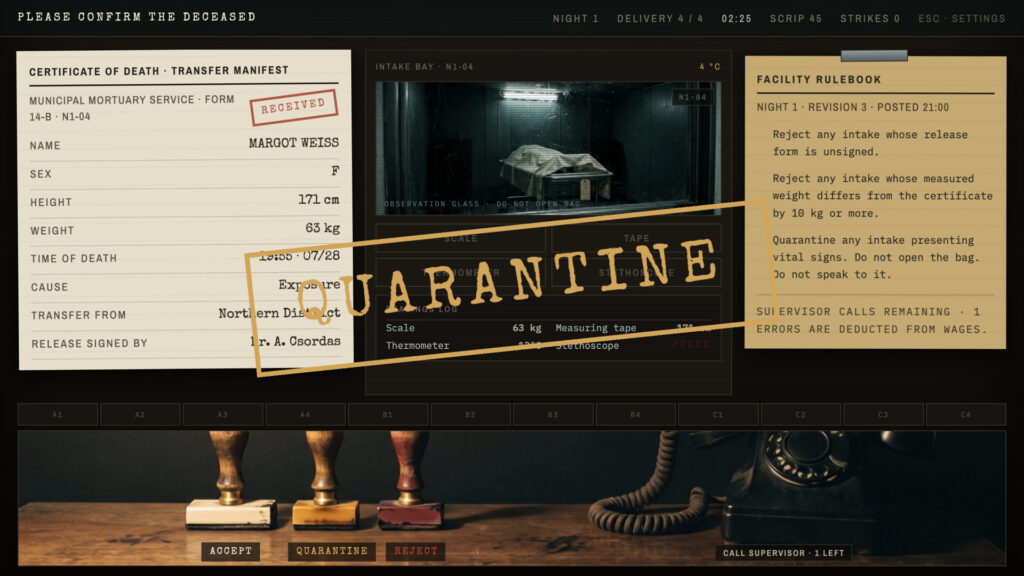
Quarantine any intake with a pulse. Do not open the bag. Do not speak to it.
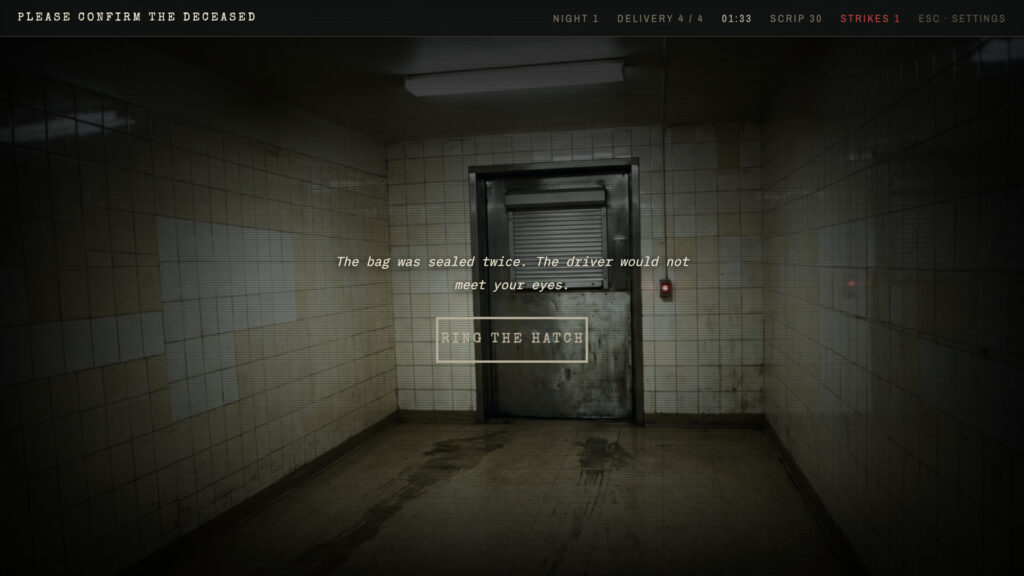
Night shift at a municipal morgue. A bell rings. Paperwork comes through the hatch. Behind the observation glass, a covered gurney rolls into the intake bay. The clerk’s job is written down: confirm that the paperwork and the body are the same thing.
PLEASE CONFIRM THE DECEASED is a gatekeeper horror game about procedure: a form that is nearly right, a weight that is nearly correct, and a rulebook that keeps adding pages you would rather not have read.
Reject any intake whose measured weight differs from the certificate by 10 kg or more.
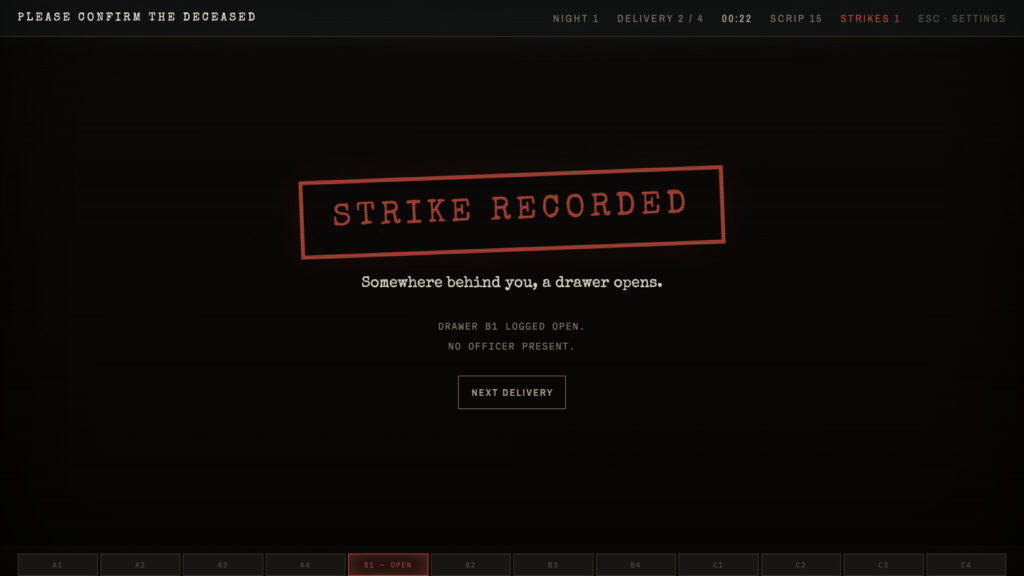
Read the file: the death certificate and the transfer manifest. Any of the names, weights, heights, dates or signatures may be lying. Check the body with five instruments: scale, measuring tape, thermometer, UV lamp, and a stethoscope for the nights when you need to be certain. Stamp ACCEPT, QUARANTINE or REJECT. Or call your supervisor, if you still have a call left.
You may also like: Lost Media Agency
PLEASE CONFIRM THE DECEASED – Game Details
- Developer: 3Cats Studio
- Publisher: 3Cats Studio
- Release Date: Nov 18, 2026
- Genre: Adventure, Indie, Simulation
- Languages: English, French, Italian, German, Spanish – Spain, Polish, Portuguese – Brazil, Russian and 5 more
- Steam Achievements: 14
HOW TO DOWNLOAD AND INSTALL PLEASE CONFIRM THE DECEASED v1.2.3
- Click the Download button below and you should be redirected to DATANODES PAGE.
- Now start the Download from that page.
- Once PLEASE CONFIRM THE DECEASED v1.2.3 Free Download is done downloading, right click the .zip (or .rar / .iso) file and click on ‘Extract to PLEASE CONFIRM THE DECEASED v1.2.3 ’. (To do this you
- will need the free program called WinRAR)
- Double click on the PLEASE CONFIRM THE DECEASED v1.2.3 folder and run the exe application.
- Enjoy and play! Don’t forget to (Run the game as administrator) as it helps prevents crashes and errors with the game.
- Make sure you Disable / turn off any antivirus software on your computer.
- Failure to do so may result in problems with the game’s installation, such as crashes or errors.
- Rest assured that all download files on this website are completely safe and free of any viruses.
- For Fast Downloading use (IDM/FDM) It will be like 10x Faster then Downloading via Browser.
Download Here
Download Here
Download Here
Download Here
Download Here
Download Here
Download Here
Download Here
Download Here
Download Here
Download Here
Download Here
Download Here
Download Here
Download Here
Download Here
Download Here
Download Here
Download Here
Download Here
Download Here
Download Here
Download Here
Download Here
SCREENSHOTS OF PLEASE CONFIRM THE DECEASED v1.2.3
System Requirements for PLEASE CONFIRM THE DECEASED v1.2.3
Minimum
- Requires a 64-bit processor and operating system
- OS: Windows 10 64-bit
- Processor: Any modern 64-bit dual-core (Intel Core i3 / AMD equivalent)
- Memory: 4 GB RAM
- Graphics: Integrated graphics (OpenGL 3.3+)
- Storage: 1 GB available space
Recommended
- Requires a 64-bit processor and operating system
NOTICE:
The game has already been pre-installed for you, eliminating the need for a separate installation process. If you encounter any missing DLL error messages, please check the _Redist or _CommonRedist folder for DirectX, VCRedist, and all other programs in that folder.
Frequently Asked Questions
Is PLEASE CONFIRM THE DECEASED free to download?
Yes. PLEASE CONFIRM THE DECEASED can be downloaded from the links on this page as a pre-installed build, so no additional purchase or setup is required.
How do I install PLEASE CONFIRM THE DECEASED?
Download the files from any of the links above, extract the archive with WinRAR, open the extracted folder and run the game’s .exe file as administrator. The build is pre-installed, so no separate installer runs.
What are the minimum system requirements for PLEASE CONFIRM THE DECEASED?
PLEASE CONFIRM THE DECEASED needs at least: Requires a 64-bit processor and operating system; OS: Windows 10 64-bit; Processor: Any modern 64-bit dual-core (Intel Core i3 / AMD equivalent); Memory: 4 GB RAM.
When was PLEASE CONFIRM THE DECEASED released and who developed it?
PLEASE CONFIRM THE DECEASED was released on Nov 18, 2026 and developed by 3Cats Studio.
